Swipe the diagram to see the rest
1. Your app makes one HTTPS request
Your code sends JSON - from, to, subject, html, text - with an API key in the Authorization header. The provider checks the request before accepting it: is the key valid, is the from domain verified on this account, is any recipient on the suppression list, is the account within its quota? Any of those failing comes back straight away as a 4xx with a machine-readable error type, not as a bounce email hours later.
POST /v1/emails
Authorization: Bearer sp_...
Idempotency-Key: order-10428-receipt

{
  "from": "Acme <orders@mail.acme.com>",
  "to": ["customer@example.com"],
  "subject": "Receipt for order #10428",
  "html": "<p>Thanks for your order.</p>",
  "text": "Thanks for your order."
}
If everything checks out you get 200 with an id. That id is the message's permanent handle - store it next to the order or user it belongs to, because every event about this email will carry it.
2. The message is queued and signed
The provider builds the MIME message - headers, a multipart body with your HTML and text, attachments - and signs it with DKIM. The signature covers the body and key headers, uses a private key held by the provider, and names your domain in its d= tag. Anyone can later check it against the public key published in your DNS.
It also sets the envelope sender, called the Return-Path or MAIL FROM. This is not the From address your recipient sees; it is where bounces go. On Sendpository it lives on a sp. subdomain of your domain, so bounces come back to us to be processed and your own SPF record is never edited.
3. SMTP delivery to the recipient's server
The sending server looks up the MX record for the recipient's domain - for gmail.com, Google's mail servers - opens an SMTP connection, upgrades it to TLS, and hands the message over. This is the step an email API saves you from writing: connection handling, TLS, per-provider throttling and retries all happen here.
4. The receiving server decides
Before accepting, the receiving server authenticates the message. SPF checks the connecting IP against the envelope sender's domain. DKIM verifies the signature. DMARC checks that at least one of those passed for the domain in the visible From line. The message is then scored for spam using those results, the sending domain's reputation, and its content.
Swipe the diagram to see the rest
The server answers with a three-digit SMTP code. 250 means accepted - into the inbox or the spam folder, which the sender is never told. A 4xx means "not now" (mailbox full, rate limited, greylisted) and the sender should retry. A 5xx means permanent failure, such as an address that doesn't exist.
5. The result comes back as an event
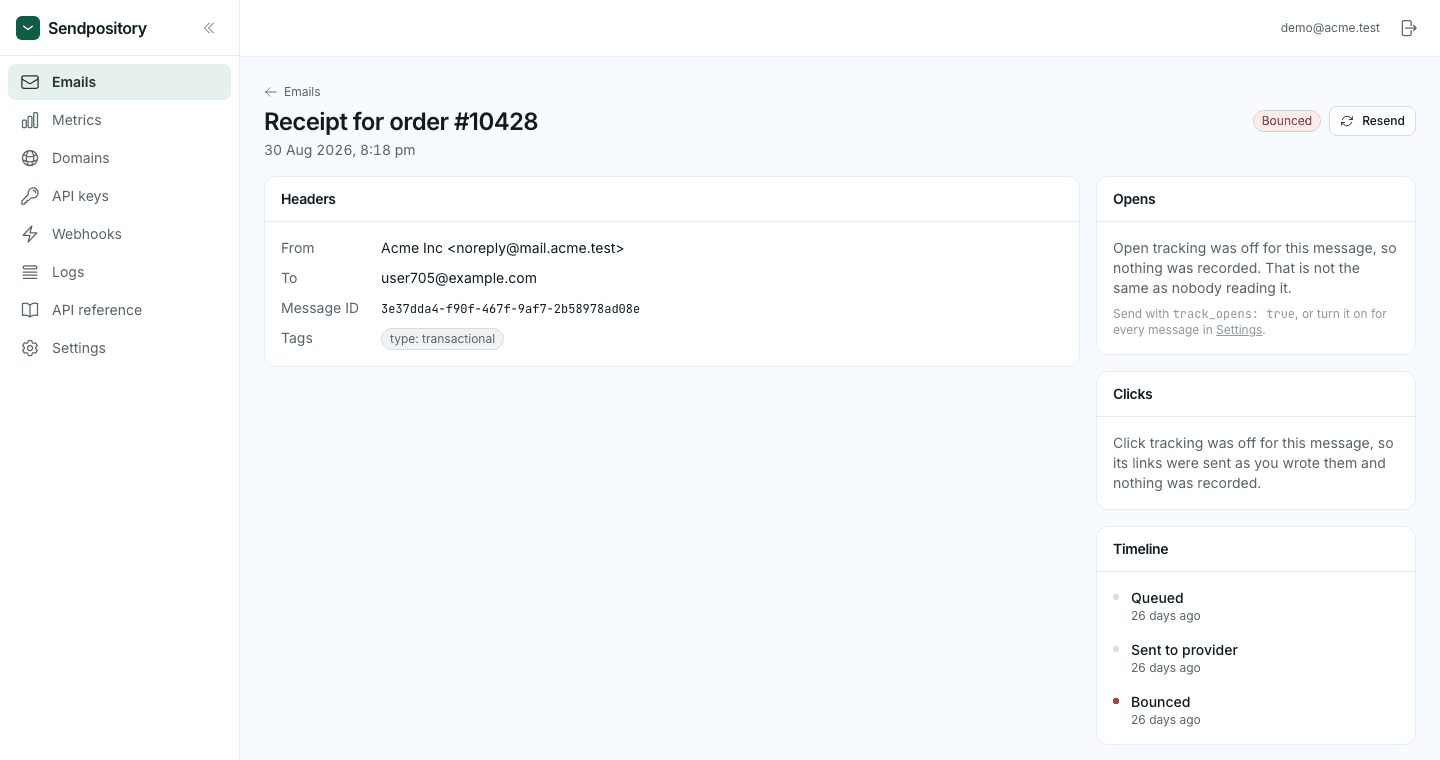
The provider turns every outcome into an event on the message: email.delivered, email.delayed, email.bounced, email.complained when the recipient marks it as spam, and email.opened or email.clicked if you enabled tracking. Each is recorded on the message's timeline and posted to your webhook.
What your code is responsible for
- Send from server-side code only - the API key is a secret.
- Store the returned id with the record the email is about.
- Send an
Idempotency-Keyon anything that can be retried, so a timeout never becomes two emails. See idempotency. - Handle
email.bouncedandemail.complainedwebhooks: flag the address in your own database so your product can ask for a new one. - Treat
suppressed_recipientas expected, not as an error to retry.
Swipe the diagram to see the rest