The emails every SaaS sends
| Triggered by | Must arrive within | Guide | |
|---|---|---|---|
| Email verification | Sign-up | Seconds | OTP emails |
| Sign-in code or magic link | Sign-in | Seconds | OTP emails |
| Password reset | Forgot password | Seconds | Password reset |
| Team invite | An admin invites someone | Minutes | |
| Receipt / invoice | Payment | Minutes | Invoice emails |
| Security alert | New device, password changed | Seconds | |
| Usage or billing alert | Quota nearly used, card failing | Minutes | |
| Notifications | Activity the user follows | Minutes |
What they share: the user expects them, they are about the user's own account, and a missing one is a support ticket - or a user who can't get in. That is why they deserve more engineering care than a newsletter.
1. Domain setup
Send from a subdomain of your product's domain, such as mail.yourapp.com, not from your company's main domain and never from a free mailbox. A subdomain keeps your application mail's reputation separate from your team's email, and lets you publish its records without touching the ones Google Workspace or Microsoft 365 need.
- Publish SPF, DKIM and DMARC (starting at
p=none) - all three are required by Gmail and Yahoo for bulk senders, and help at any volume. - Use a different subdomain for marketing (
news.yourapp.com), so a bad campaign can't push password resets into spam. - Set a Reply-To that reaches a person, even if From is a no-reply address.
The SPF, DKIM and DMARC guide explains each record; the DNS checker shows what a domain publishes today.
2. Architecture: send from jobs, not requests
Swipe the diagram to see the rest
Put email sending behind a small module in your backend - one function per email type - and call it from background jobs. The request that triggers an email (sign-up, checkout) shouldn't wait on it, and a job queue gives you retries for free. Two rules keep retries safe:
- Derive an
Idempotency-Keyfrom what the email is about -invite-{inviteId},receipt-{paymentId}- so a retried job returns the original message instead of sending again. - Store the returned email id on the record, so support can look up exactly what was sent.
Swipe the diagram to see the rest
3. Templates
Keep templates in your repository, next to the code that fills them, and render them to HTML before sending - React Email, MJML, Handlebars or plain template strings all work. Always send a plain-text part as well. Keep transactional emails free of promotions; a receipt that becomes an ad starts being treated like one.
4. Security
- API keys live on the server, in a secrets manager - never in client code or the repository. Use a sending-only key for the app.
- Codes and reset tokens are random, short-lived, single-use, and stored hashed.
- Rate-limit every form that sends email, so it can't be used to flood someone's inbox.
- Turn click tracking off for authentication mail: rewritten links look like phishing and security scanners pre-fetch them.
- Verify webhook signatures; your endpoint is public.
5. Deliverability
Most of deliverability for transactional mail is not sending mail you shouldn't: to addresses that bounced, to people who complained, or mail users didn't expect. Suppression lists handle the first two automatically; product decisions handle the third. The deliverability checklist covers the rest.
6. Events and monitoring
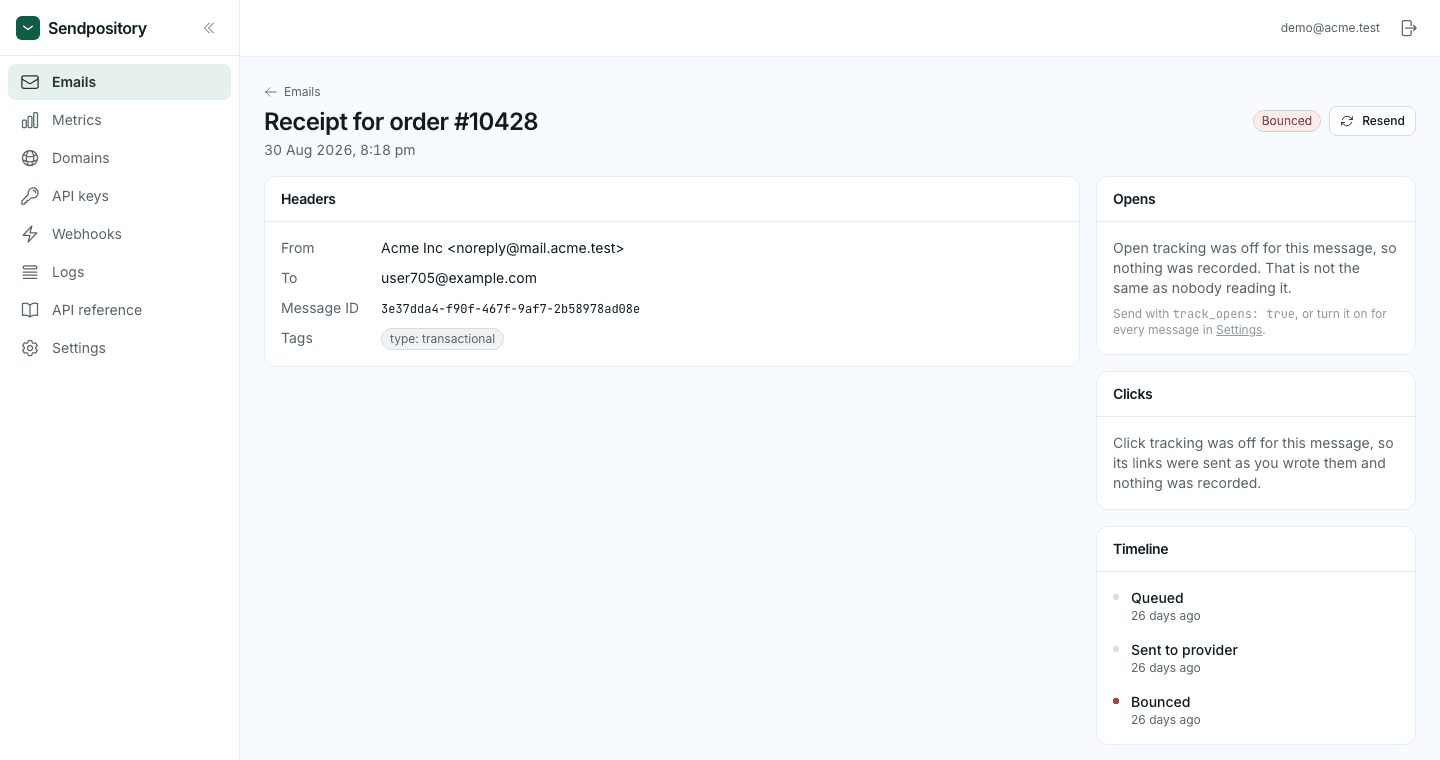
Subscribe to email.bounced and email.complained and flag those users; alert on email.failed. Watch bounce and complaint rates over time - a sudden jump usually means a broken sign-up form or an import that shouldn't have happened. When a user says an email never arrived, search by recipient and read the message's timeline.
7. Choosing a provider
- A free tier you can launch on, not just test with.
- DNS setup that doesn't make you edit your company's existing SPF record.
- Idempotency keys, batch sending and scheduled sends in the API.
- Signed webhooks, searchable logs and automatic suppression.
- Receiving, if your product handles replies or support mail.
The comparison of Resend, SendGrid, Postmark and Sendpository sets the main options side by side.