Suppressions
The addresses we refuse to send to, how they get there, and why refusing them protects the reputation of your domain.
Updated
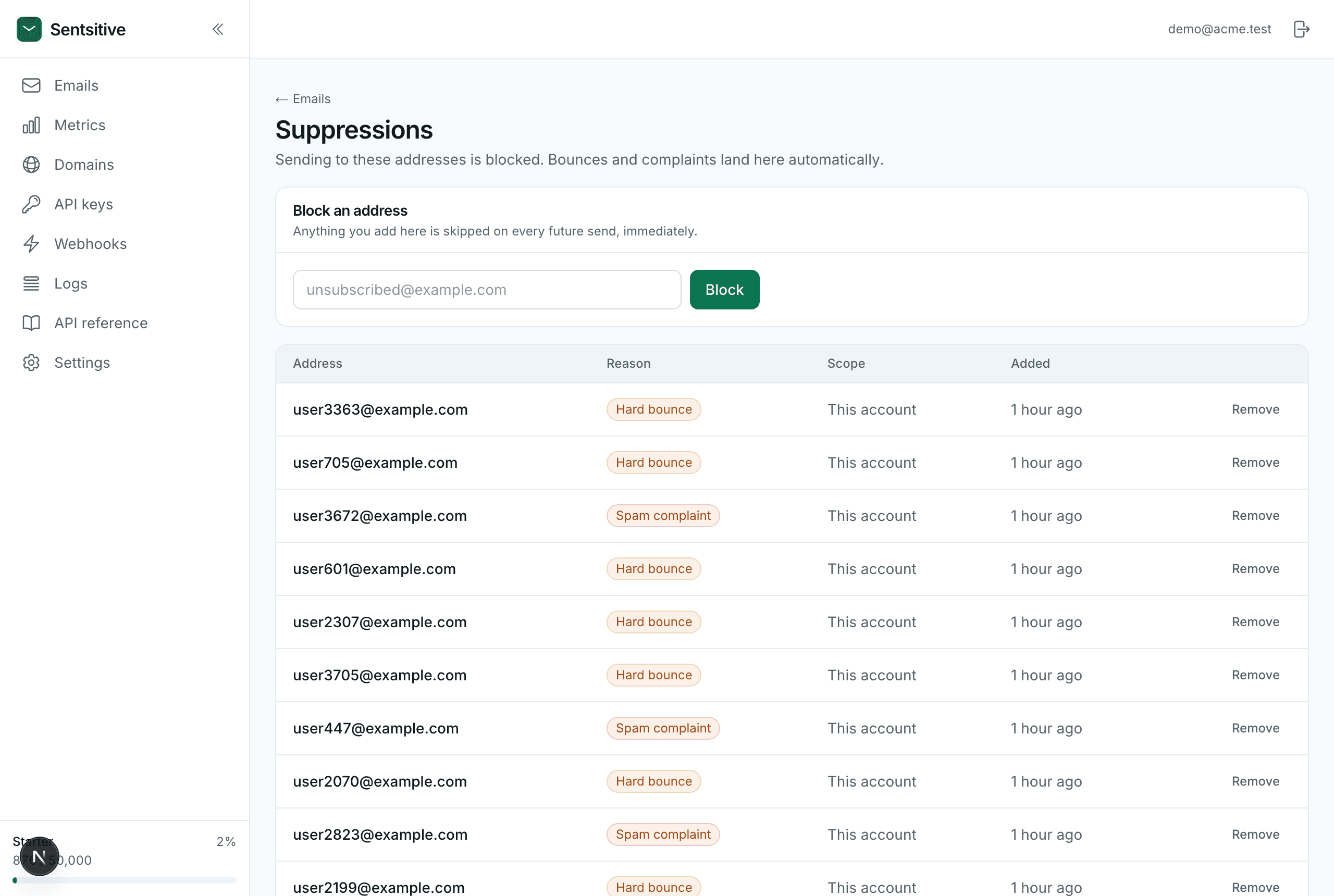
A suppression list is the set of addresses that will never receive your mail again. Sending to dead addresses is the fastest way to ruin a sending reputation, so we block them automatically.
What gets suppressed
| Reason | Added when |
|---|---|
hard_bounce | The address doesn't exist. Permanent. |
complaint | The recipient marked your mail as spam. |
unsubscribe | The recipient used one-click unsubscribe. |
manual | You or an admin added it. |
Hard bounces, complaints and unsubscribes are added automatically. You don't
have to do anything - subscribe a webhook to email.unsubscribed if your own
app keeps a mailing list that should follow.
What happens on send
If any recipient is suppressed, the whole message is refused:
{
  "error": {
    "type": "suppressed_recipient",
    "message": "These addresses are on your suppression list and cannot be emailed: old@bounced.dev."
  }
}
Treat this as success, not failure - the system did the right thing:
if (data.error?.type === "suppressed_recipient") return; // nothing to fixAdding one yourself
Use the Block an address form on the Suppressions page when someone unsubscribes through your own UI, or you know an address is bad.
Removing one
You can remove your own entries - useful if a mailbox was temporarily full and has since been fixed.
Think before you remove
An address that hard-bounced usually still doesn't exist. Sending to it again tells mailbox providers you don't clean your list, which hurts delivery for every message you send.
Platform-wide suppressions, set by Sendpository, can't be removed by you.